
- Try Now
- prev
- next
Program Details
-
CategoryProductivity
-
Commission FrequencyFlat
-
Tracking SoftwarePartnerStack
-
Payment MethodPaypal, Bank Transfer, Wire
-
Minimum Payment20
-
Cookie30 days
Commission Type
Tracking Software
About the Program
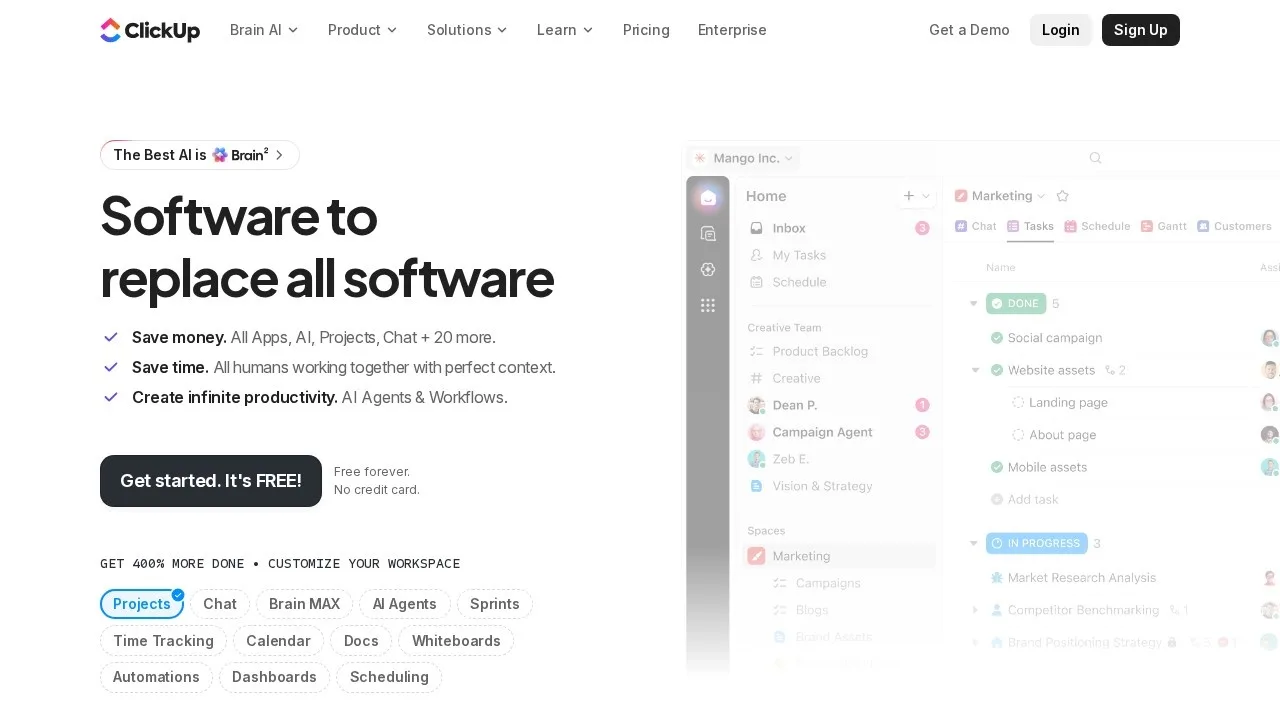
ClickUp is a work management platform that bundles tasks, docs, goals, whiteboards, chat, and dashboards into a single workspace, positioning itself as a replacement for several separate tools. It was founded in 2017 by Zeb Evans and Alex Yurkowski and is based in San Diego, California. Its free tier is unusually capable, which is central to how the affiliate program works.
The Free Forever plan covers unlimited tasks and members. Paid tiers start at roughly $7 per user per month for Unlimited and around $12 for Business, with Enterprise priced on request.
The affiliate model is unusual: rather than paying on a subscription, ClickUp pays up to $25 for each qualified new free workspace signup. Rates vary sharply by region, with the top payouts reserved for the US, UK, Canada, Australia, and New Zealand. Affiliates at the Advanced tier (100+ signups a month) and Premier tier (200+) unlock 25% recurring commission instead.
Tracking runs on PartnerStack with a 30-day cookie. Commissions lock a month after the month they were earned and pay within 15 days after that — roughly Net 45. The minimum payout is a low $20, available via PayPal, Stripe, bank transfer, or wire.
Gallery
Add a review